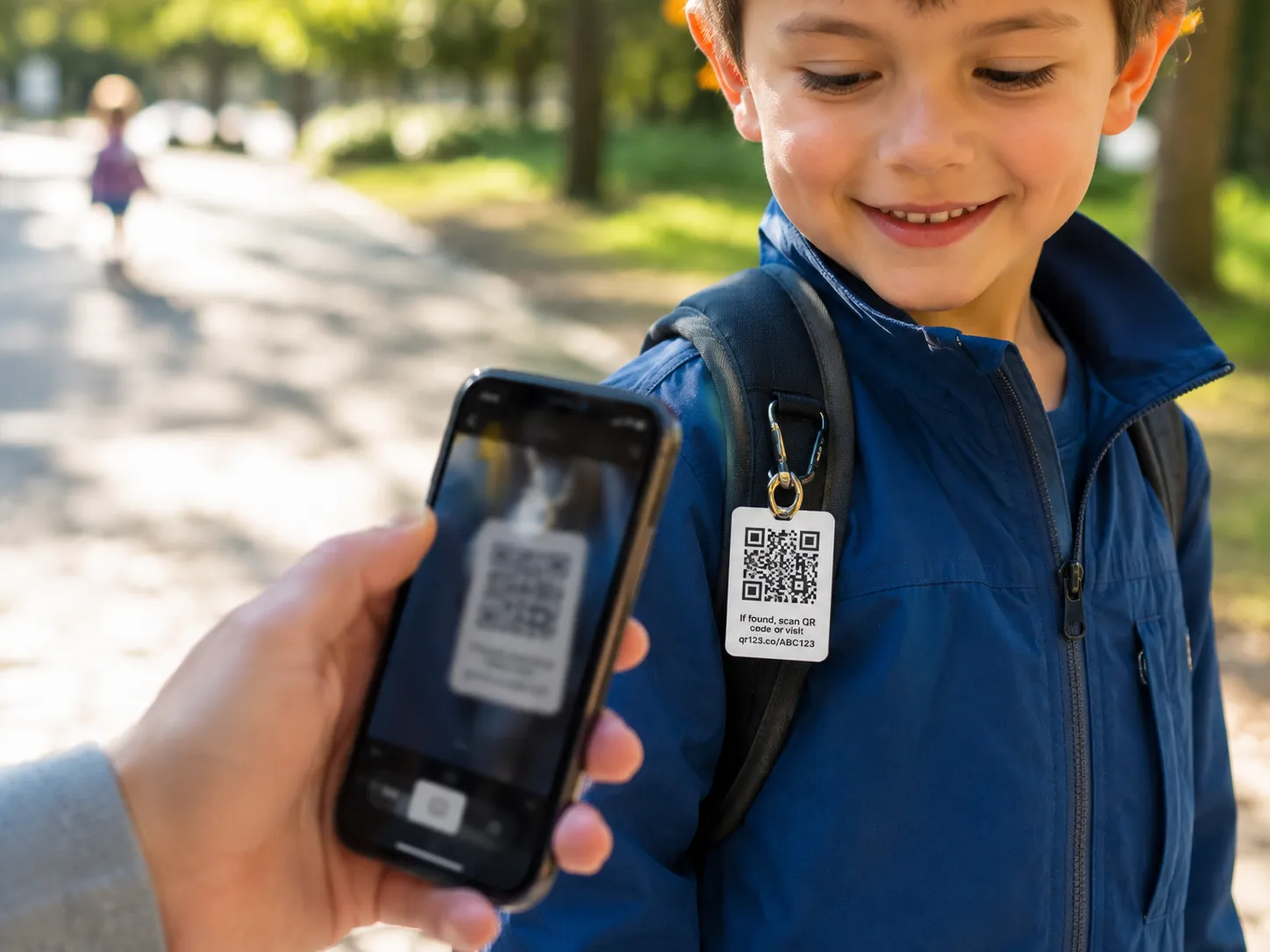
School day
The sub who's never met them.
One scan and the sub has the same boards the SLP set up — and the care notes, before lunch. Nobody calls home.
Put how they communicate, what helps and who to call on one page. Anyone can open it from a QR code.
Have a code from a tag?
If you set up a page a while back, here's what's waiting for you.
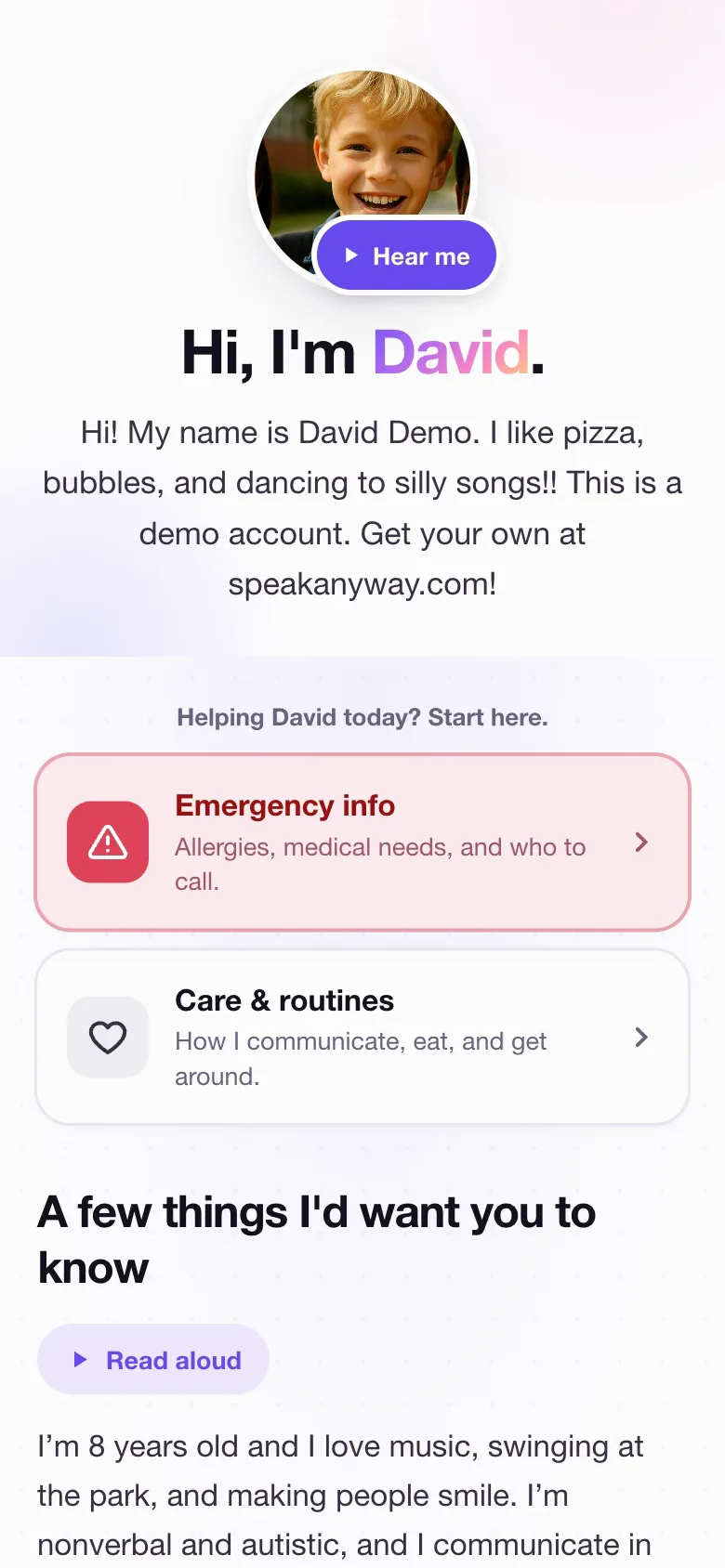
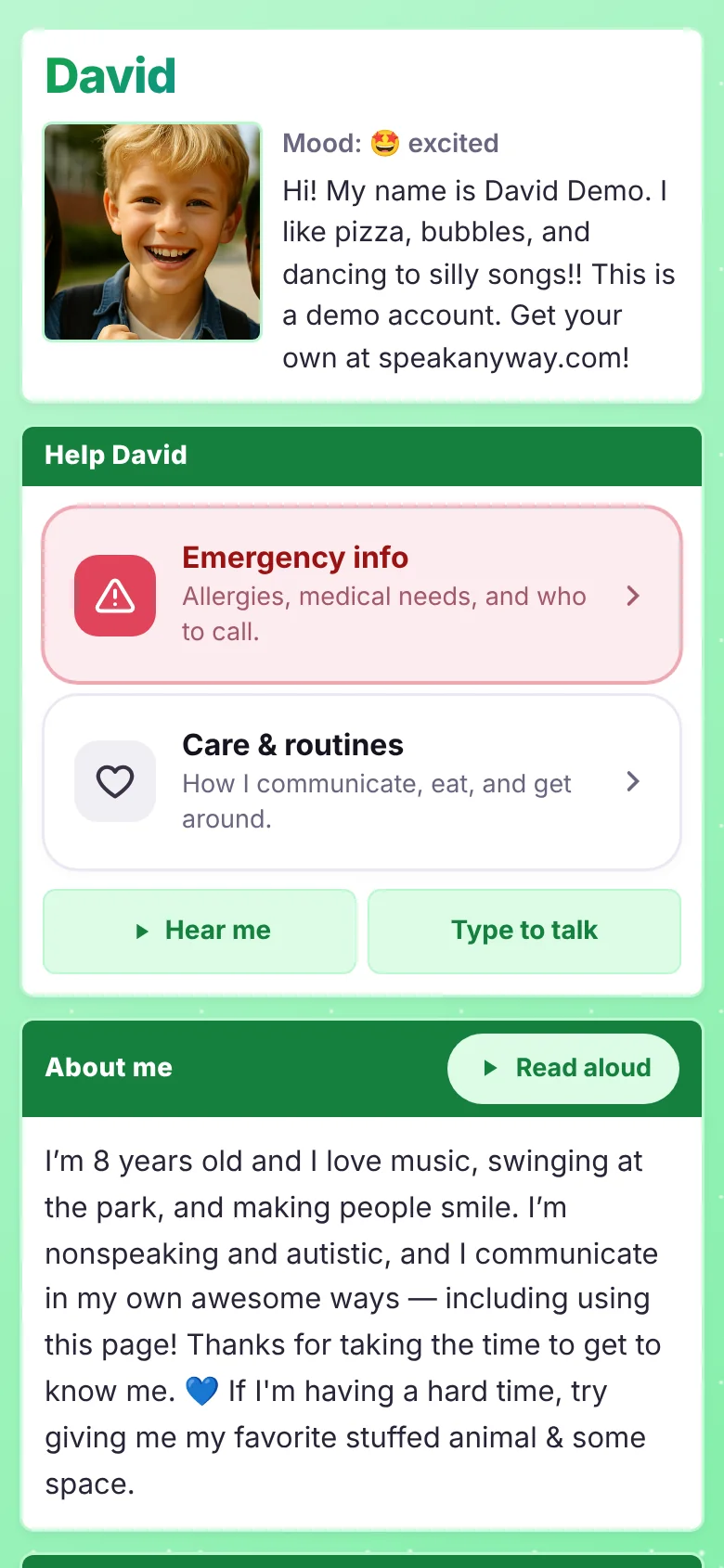
Keep it Simple, or switch to Retro profile — boxed panels side by side, like an old-school profile page.
Pick the boards that show first. Everything else waits behind "See all."
Their favorite things, ready to tap and hear — an easy conversation starter.
Share how they're feeling today, right by their name.
Color themes, patterns, a heading font, a sticker, a background photo — and you see the real page as you edit.
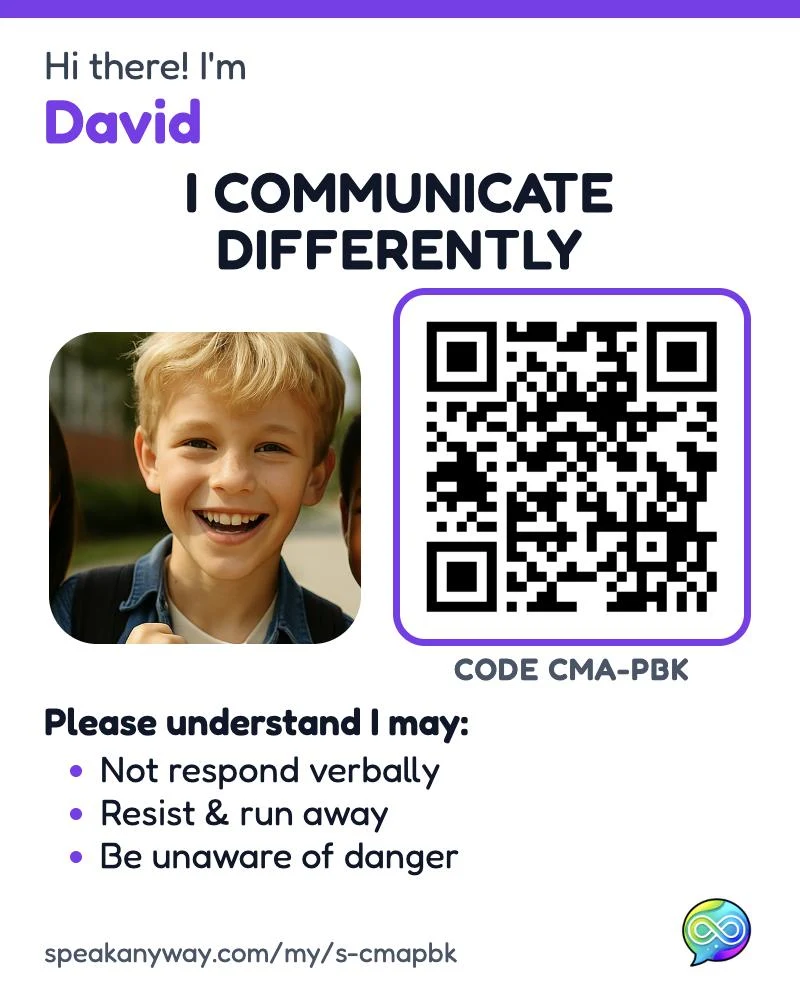
Print name and device tags with their photo and QR code.
Every MySpeak page has the same shape, so a sub, a sitter or a stranger knows where to look — no app, no account.
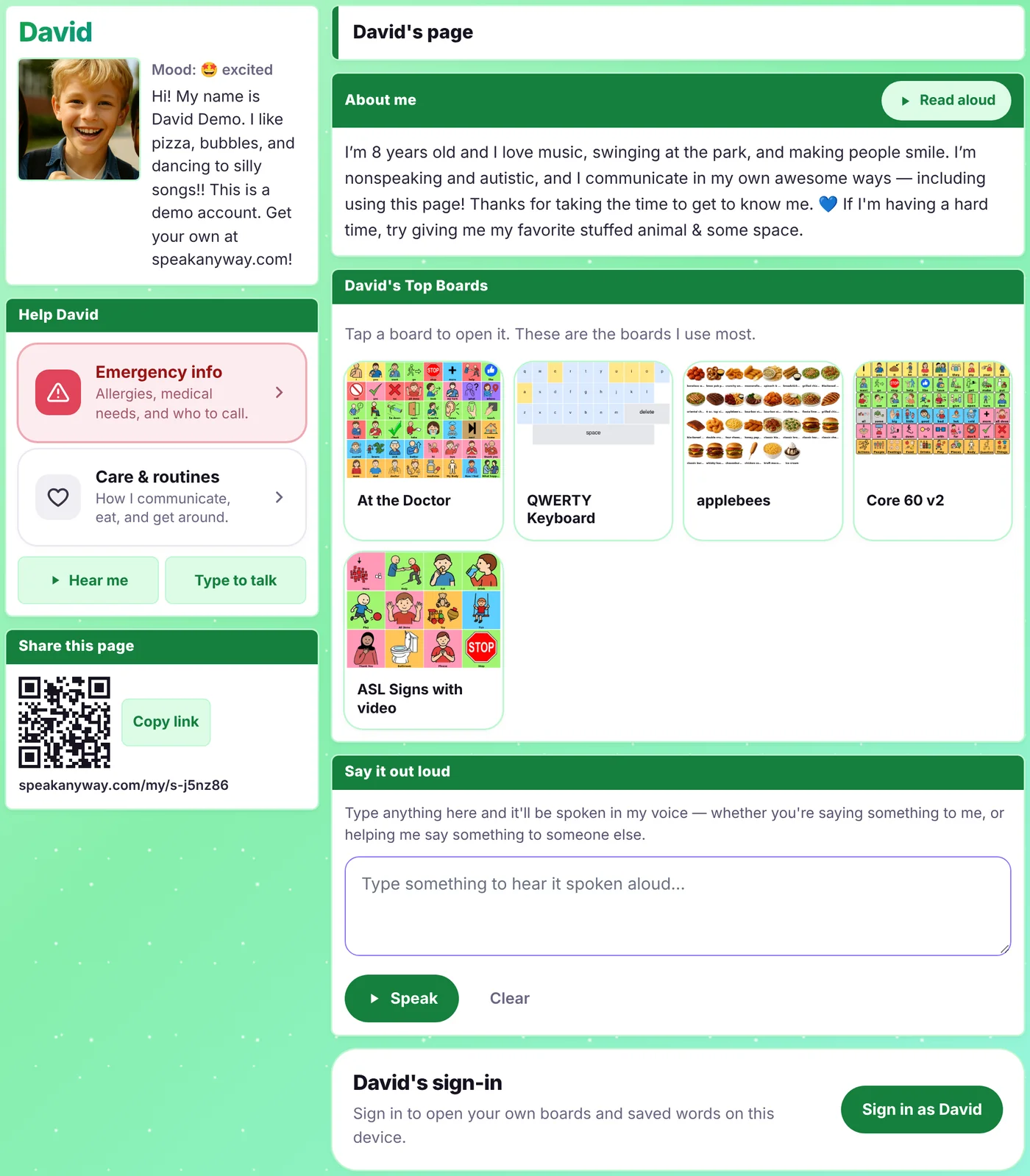
MySpeak isn't just something to read. Whoever's holding the phone can help them speak — or speak to them — right from the page.
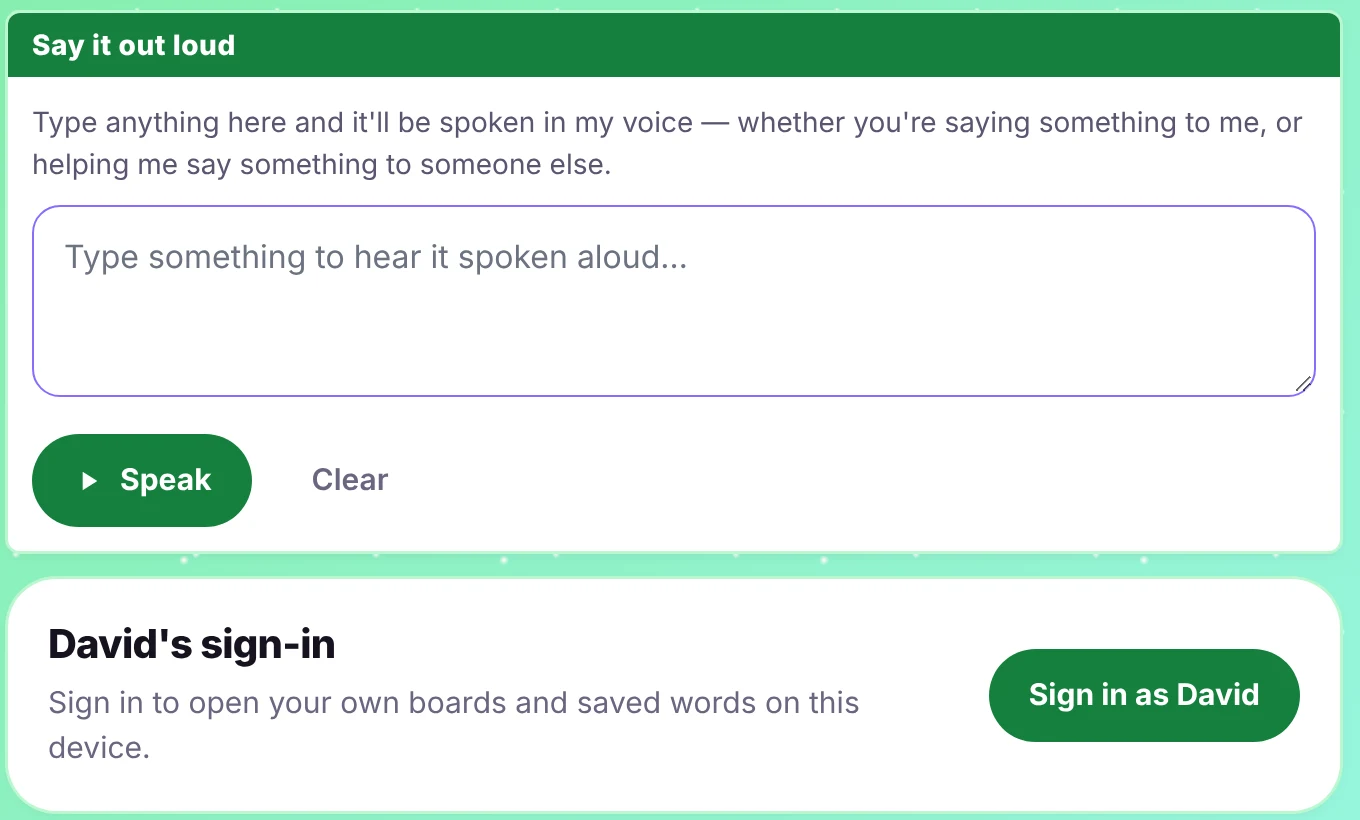
A sub, a sitter, a bus driver, a grandparent — everyone gets the same briefing, and it never comes out the same way twice. Fill it in once and it's on the page.
You'll get a heads-up when someone opens their emergency info. Checking a snack rule in Care won't set it off.
Two printable plans for school, built from what you already filled in. Only you can download them.
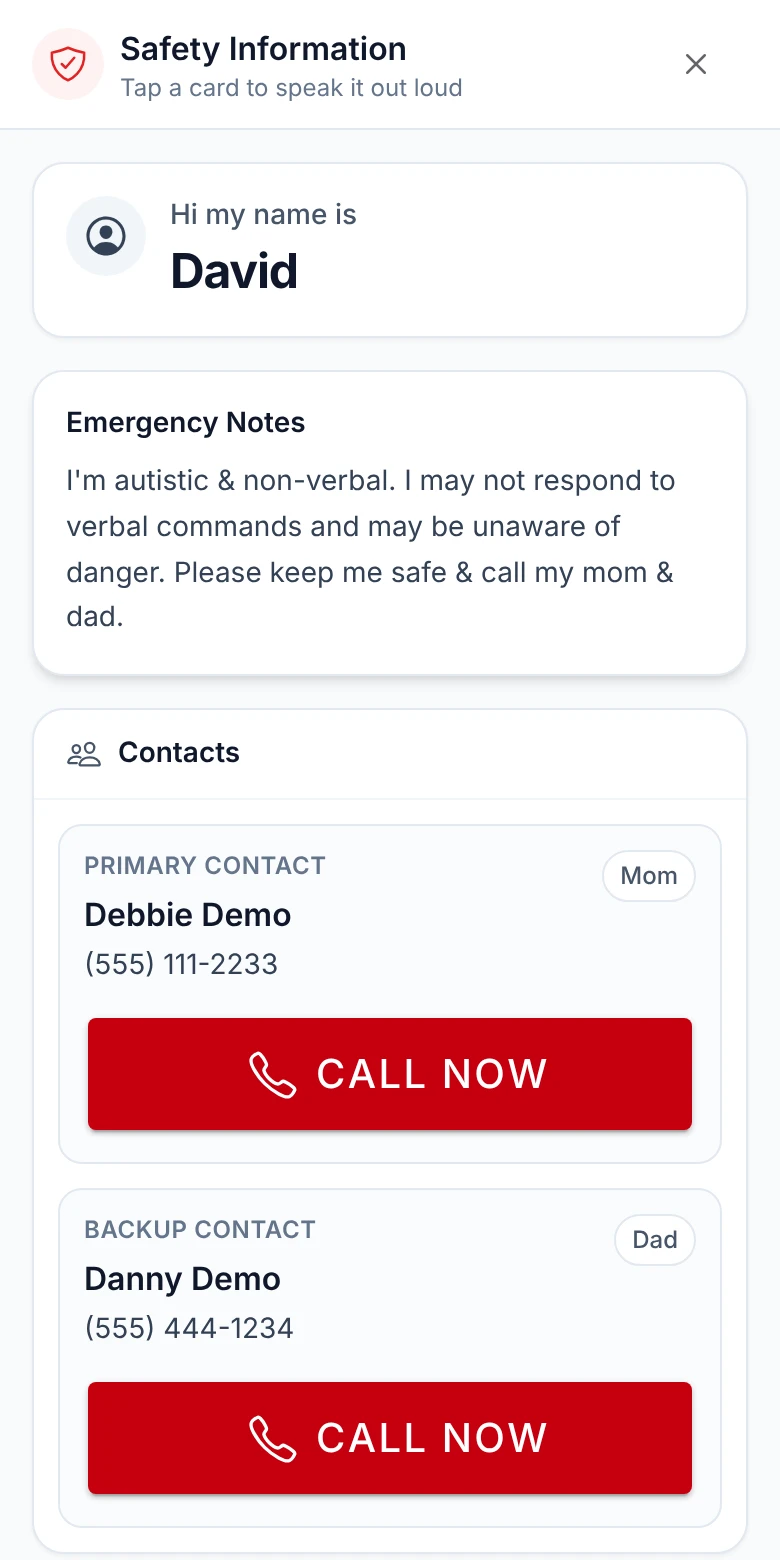
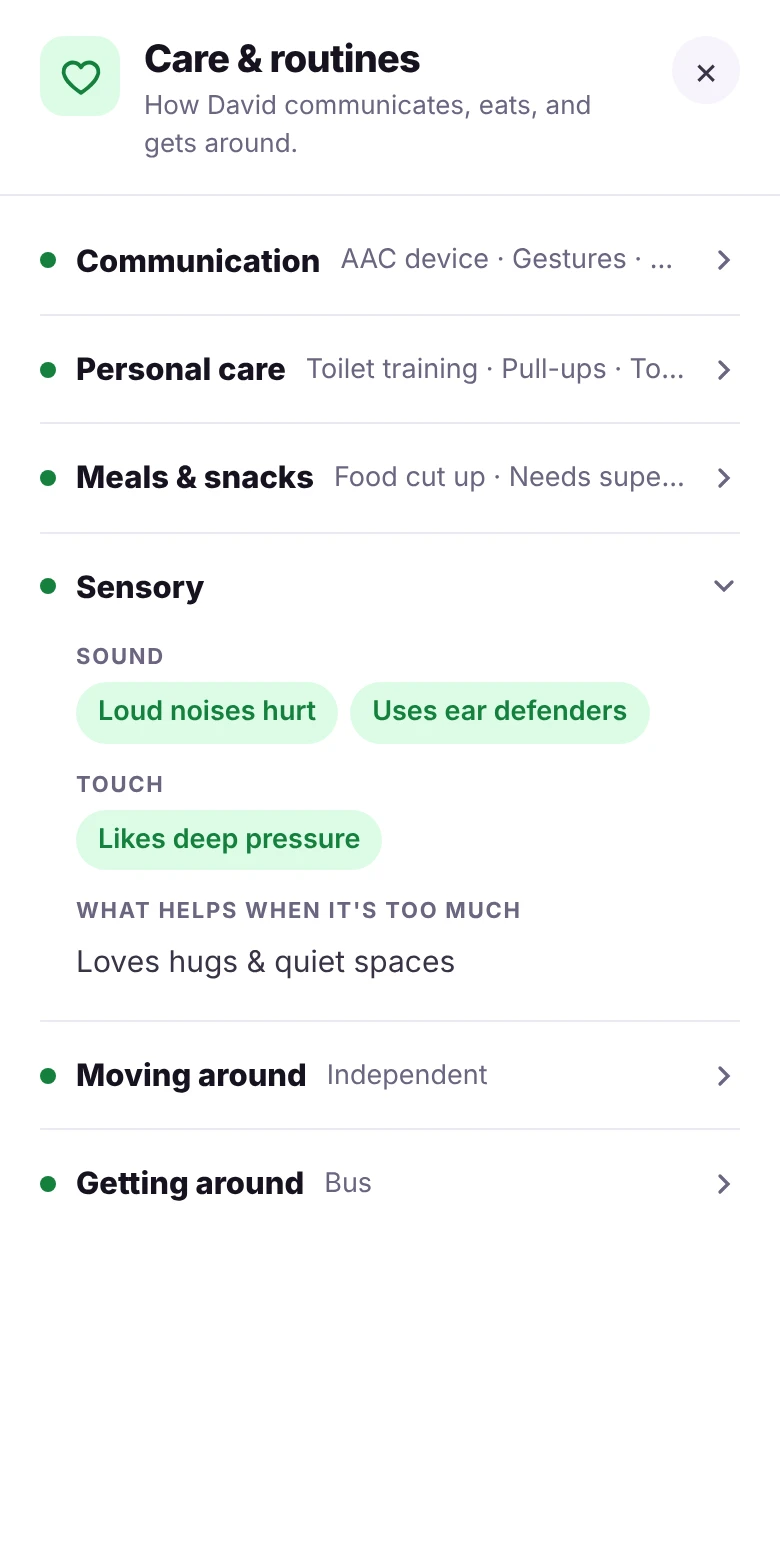
Pick a layout and a look in setup — or change it any time. You see the real page in a phone or desktop frame while you edit, so there's no guessing.
Every page comes with a QR code. The Tag maker turns it into something you can actually hand to people.
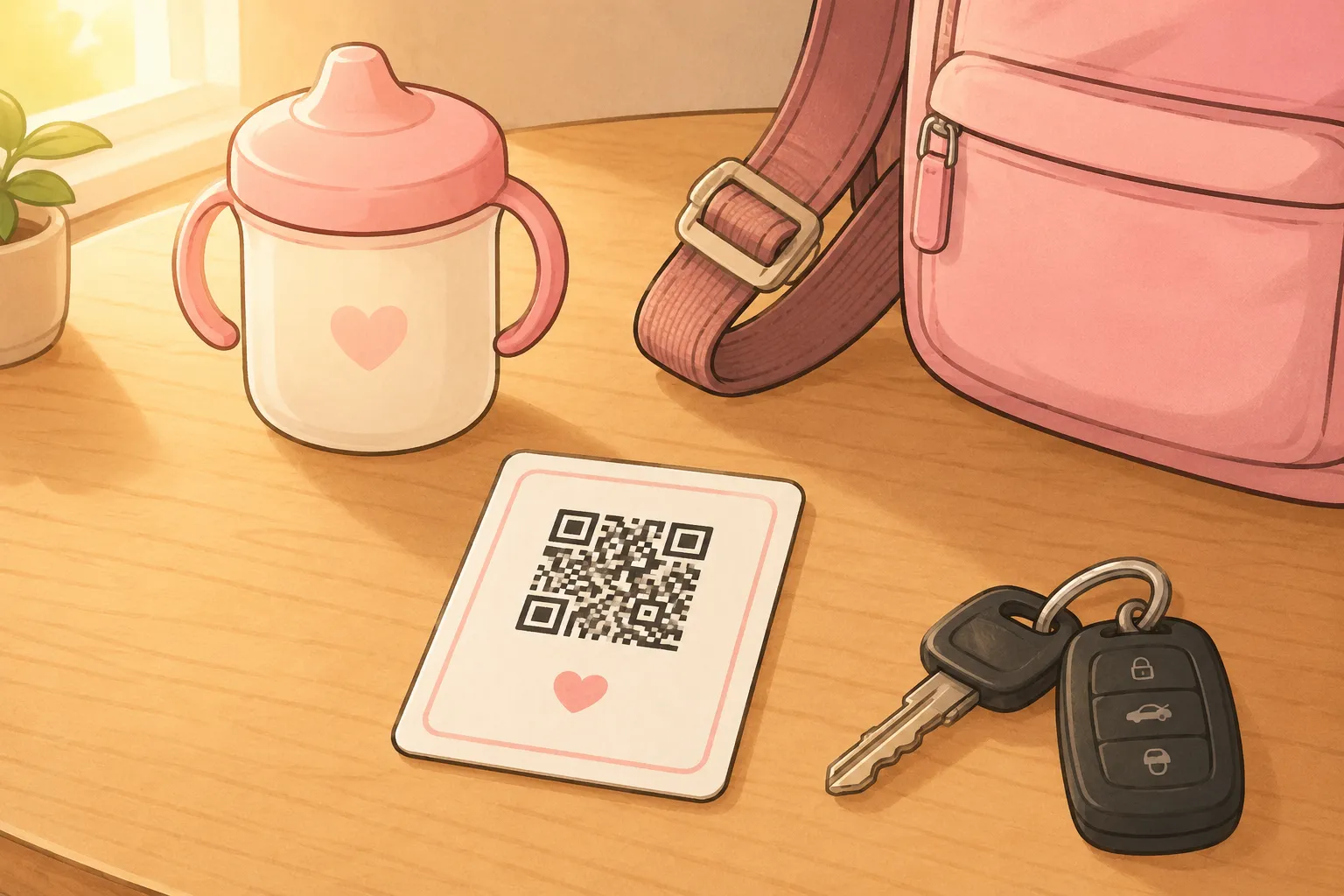
Not everyone they meet has SpeakAnyWay. A MySpeak link works from any phone.
One scan and the sub has the same boards the SLP set up — and the care notes, before lunch. Nobody calls home.
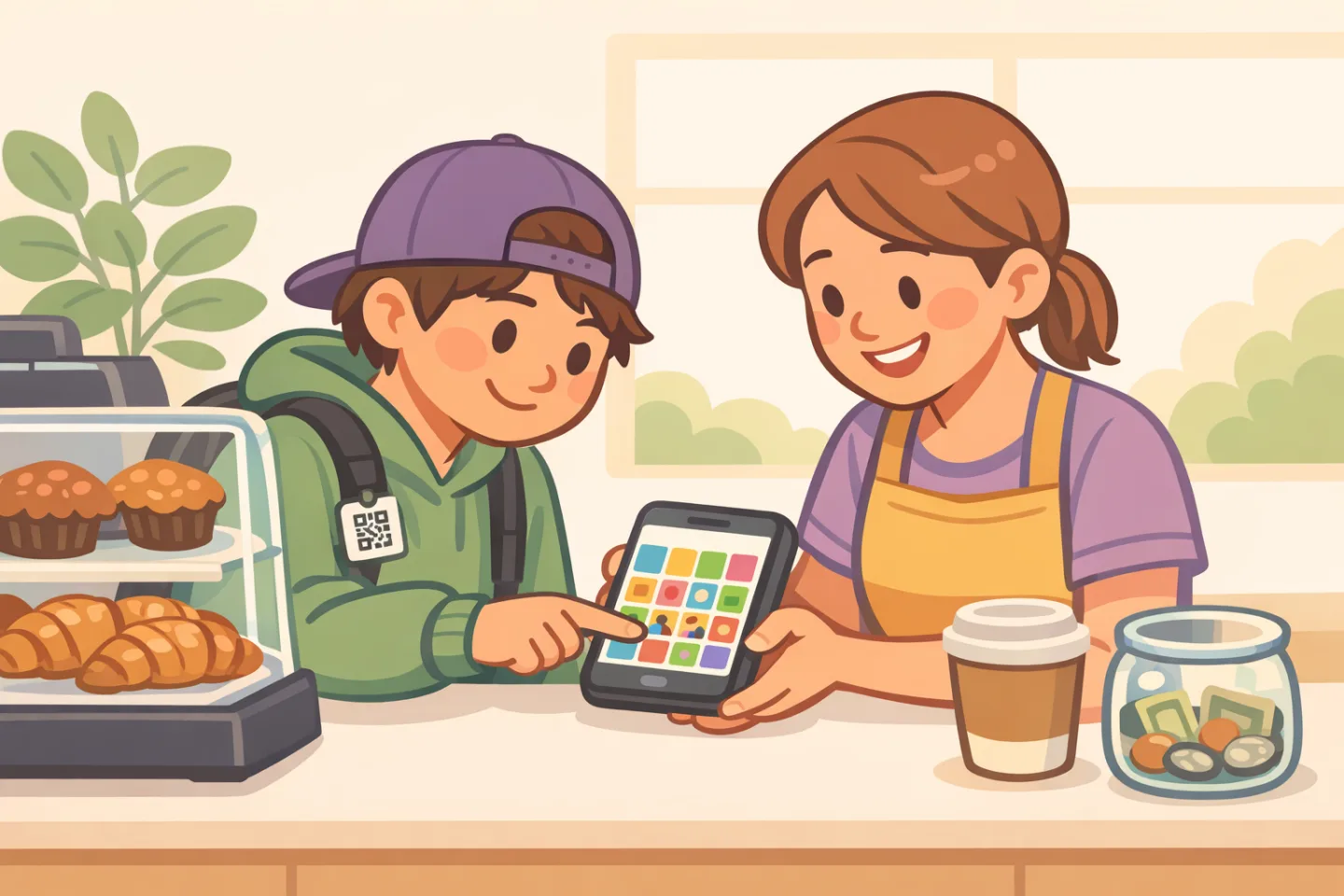
Their MySpeak page is one tap away from their home screen. Hear me says hello, then they open a board and point to what they want — or hand the phone across the counter. No explaining AAC mid-line.
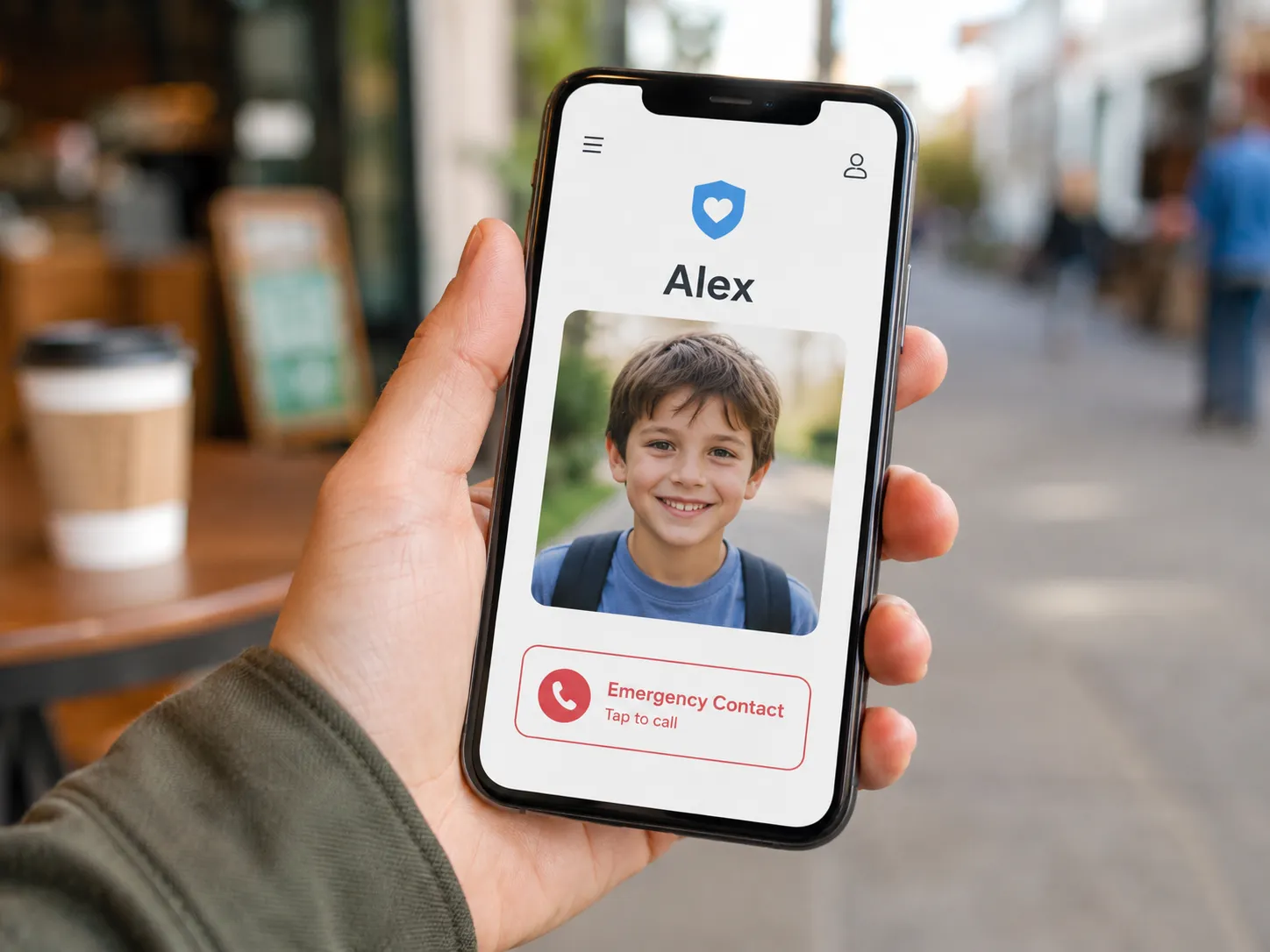
If they're ever found without you, their page shows who to call and how to help them feel safe — first.
Most people finish in one sitting, and you can change anything later.
Add their name, a photo and a few sentences in their voice.
Pick the boards to show and someone to call. Care sections are there when you want them.
Simple or Retro, colors and a theme — with a live preview.
Save the QR, copy the link, or print tags for the backpack and the iPad.
MySpeak is included on Free, Basic and Pro. No trial countdown and no upgrade wall on the page someone scans.
Need more boards or more communicators?
No. A MySpeak page opens in any phone's browser. They can open boards, tap Hear me and use Type to talk without signing in.
Only if you want it there. You choose the "name to show," and that's what appears on the page, tags, care plans and anything spoken aloud.
Anyone with the link — that's the point, so a stranger can help. Both sit behind a tap instead of on the first screen, care sections stay off until you turn them on, and you get a heads-up when someone opens emergency info. The printable plans are yours only.
You can get a new link for the page any time, which retires the old one. Then print fresh tags.
Yes — any time, from the MySpeak tab. You'll see the real page update in a phone or desktop preview before you save.
Our free boards open in your browser with no sign-up. Use one now, and make a MySpeak page when you have a moment.
Make a free MySpeak page today. Change it whenever you like.