Everything SpeakAnyWay does.
A complete look at the AAC platform built for real-life communication — generator, library, customization, MySpeak, team sharing, and how it all stays free where it can.
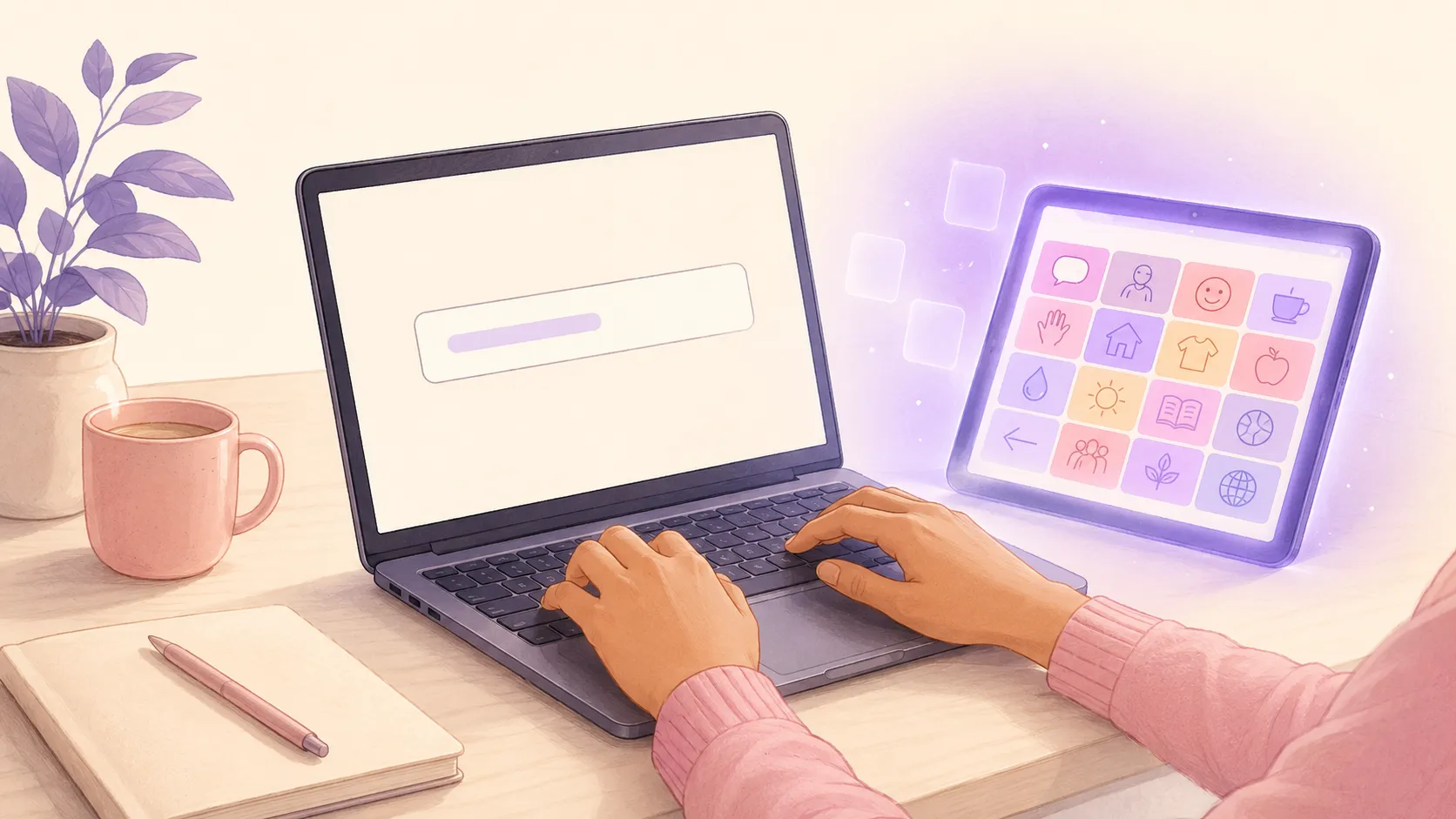
Type a situation. Get a board.
Tell SpeakAnyWay the moment in front of you — "dentist visit," "first day of school," "ordering at the drive-thru" — and we build a printable starter board in under a minute.
- Pick an age range and how many words you want (48 by default)
- Symbol-and-label tiles, color-coded by part of speech
- Download as PDF, print, or save to your account
- 25 free AI credits every month — no credit card needed
- AI credits per plan: 25/mo Free · 400/mo Basic · 1,500/mo Pro
Order at the table, from the real menu.
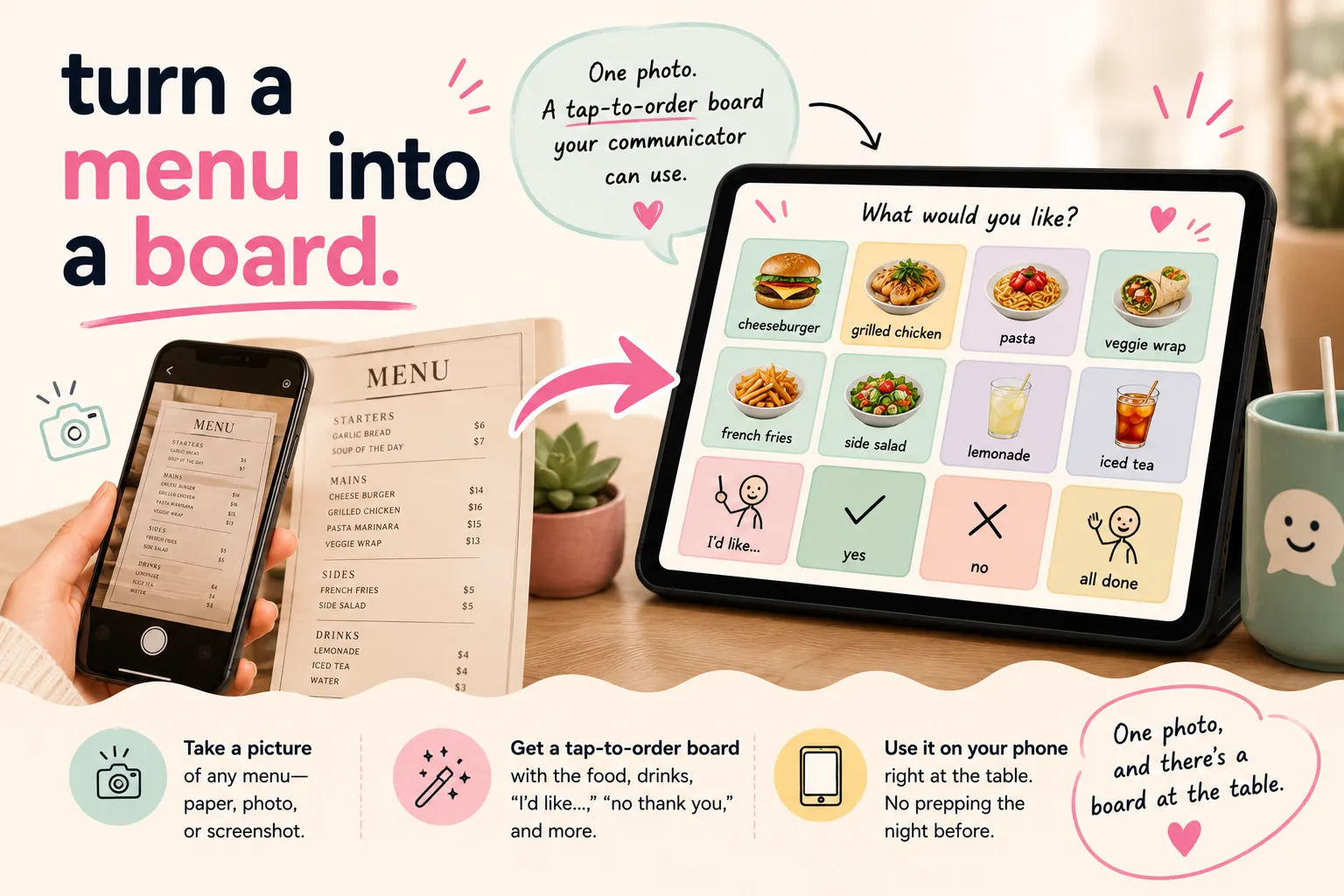
Find a ready-made board for a restaurant you already go to, or snap a photo of any menu and SpeakAnyWay turns it into an AAC board your communicator can use right at the table. No prepping the night before.
- Ready-made boards for popular restaurants: add one to a communicator at no cost
- Or make your own from any menu: paper, PDF, or screenshot
- Adds tiles for food, drinks, "I'd like…," "no thank you," and more
- Use it on your phone at the restaurant
- Making your own uses 5 AI credits per menu, plus 3 for each AI-generated image
Boards that are already built.
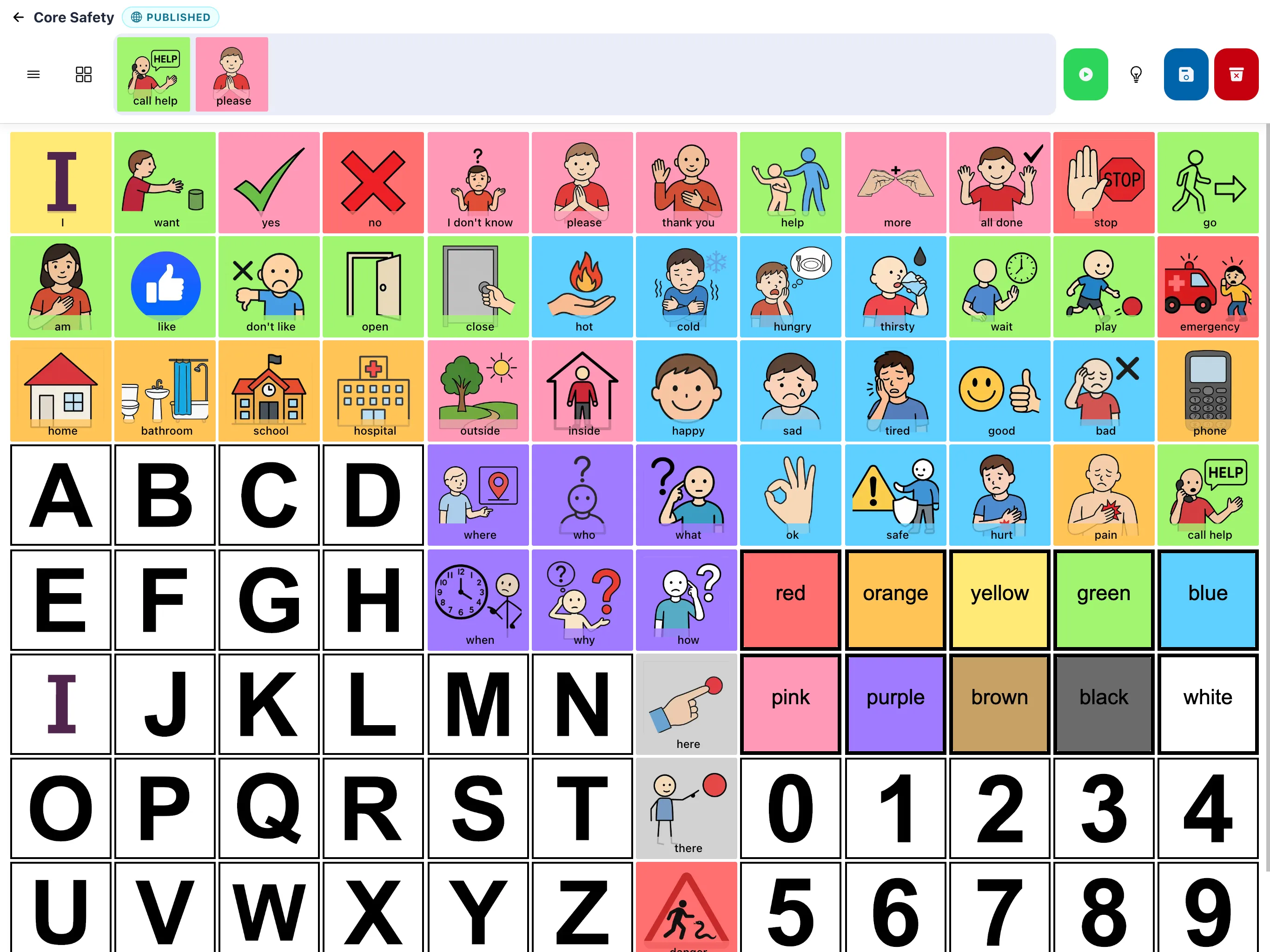
Browse the public library — boards built for real situations like mealtimes, school, and outings. Use them as-is, remix them, or start your own from one.
- Search by topic or tag
- Featured collections: core words, choice boards, routines, outings
- Save a board to your account in one tap
- Share any public board with a link or QR — no account needed to view
Make the board fit the communicator.
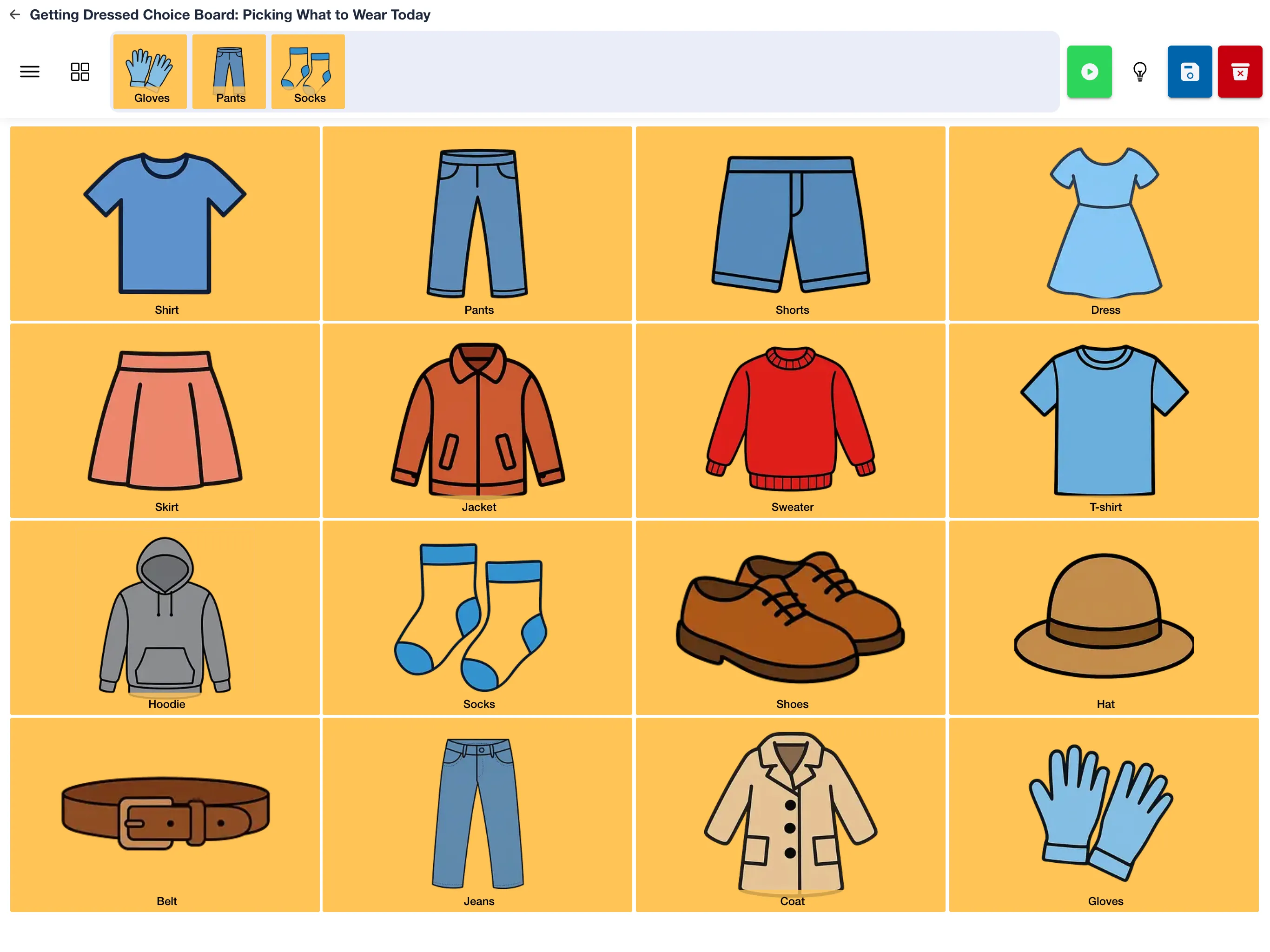
Swap symbols, edit labels, add your own photos, change colors, rearrange the grid. Every detail can move to match the communicator in front of you — not the other way around.
- Edit any tile: word, symbol, color, size
- Upload your own photos for personalized symbols
- Drag-to-reorder layout, change grid size on the fly
- Fitzgerald color key for part-of-speech coding (or pick your own)
- Copy any board so each communicator gets their own to tweak
One QR. Everyone knows how to help.
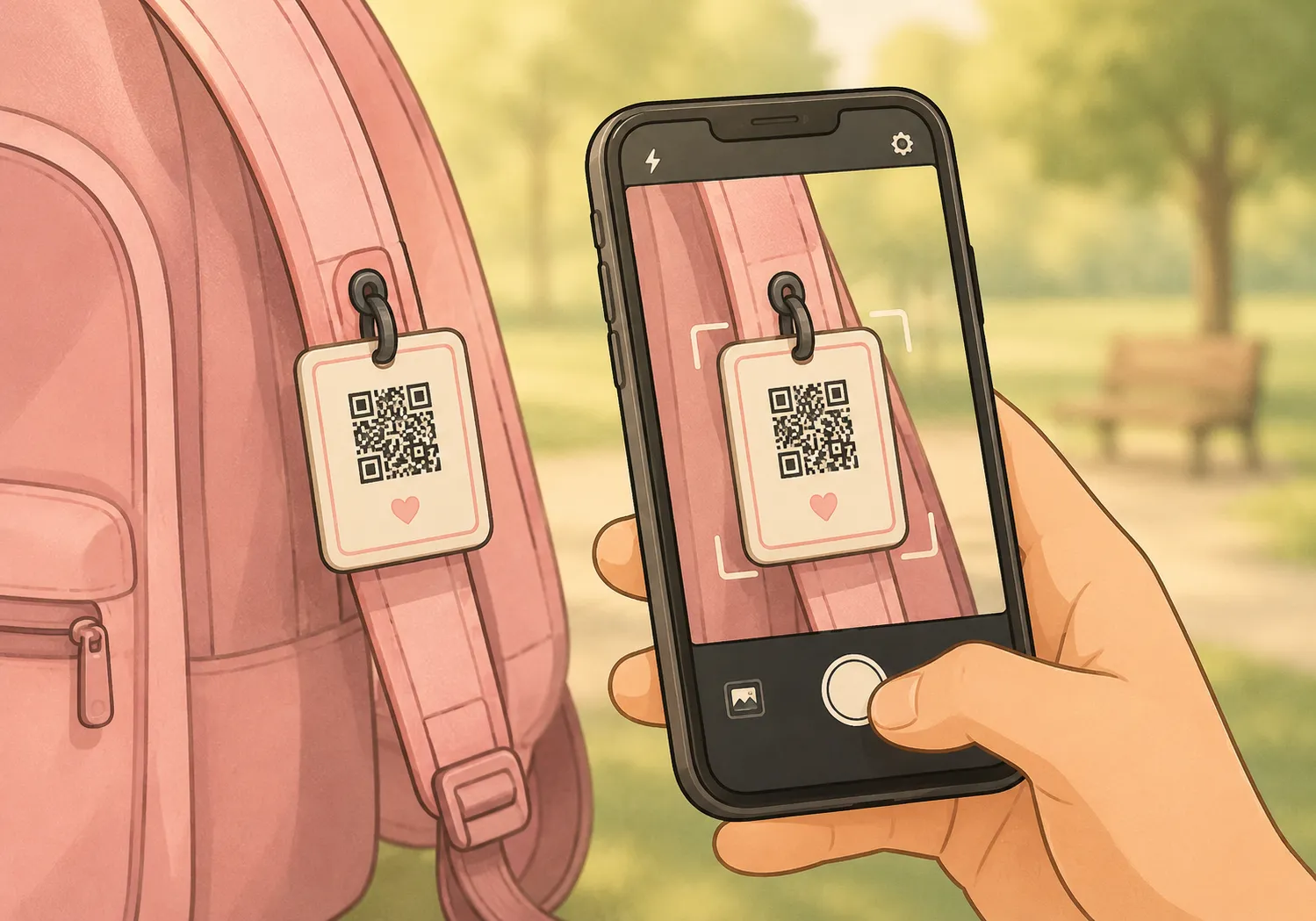
Every communicator gets a free MySpeak page — a shareable card with their board, emergency contacts, and care notes behind one QR code. Wear it, clip it, leave it with anyone.
- Free on every plan
- No app to install — scans into any phone's camera
- Holds: communication board + emergency contacts + care notes
- Wear it on a bracelet, keychain, lanyard, or backpack tag
- Built for substitutes, grandparents, first responders
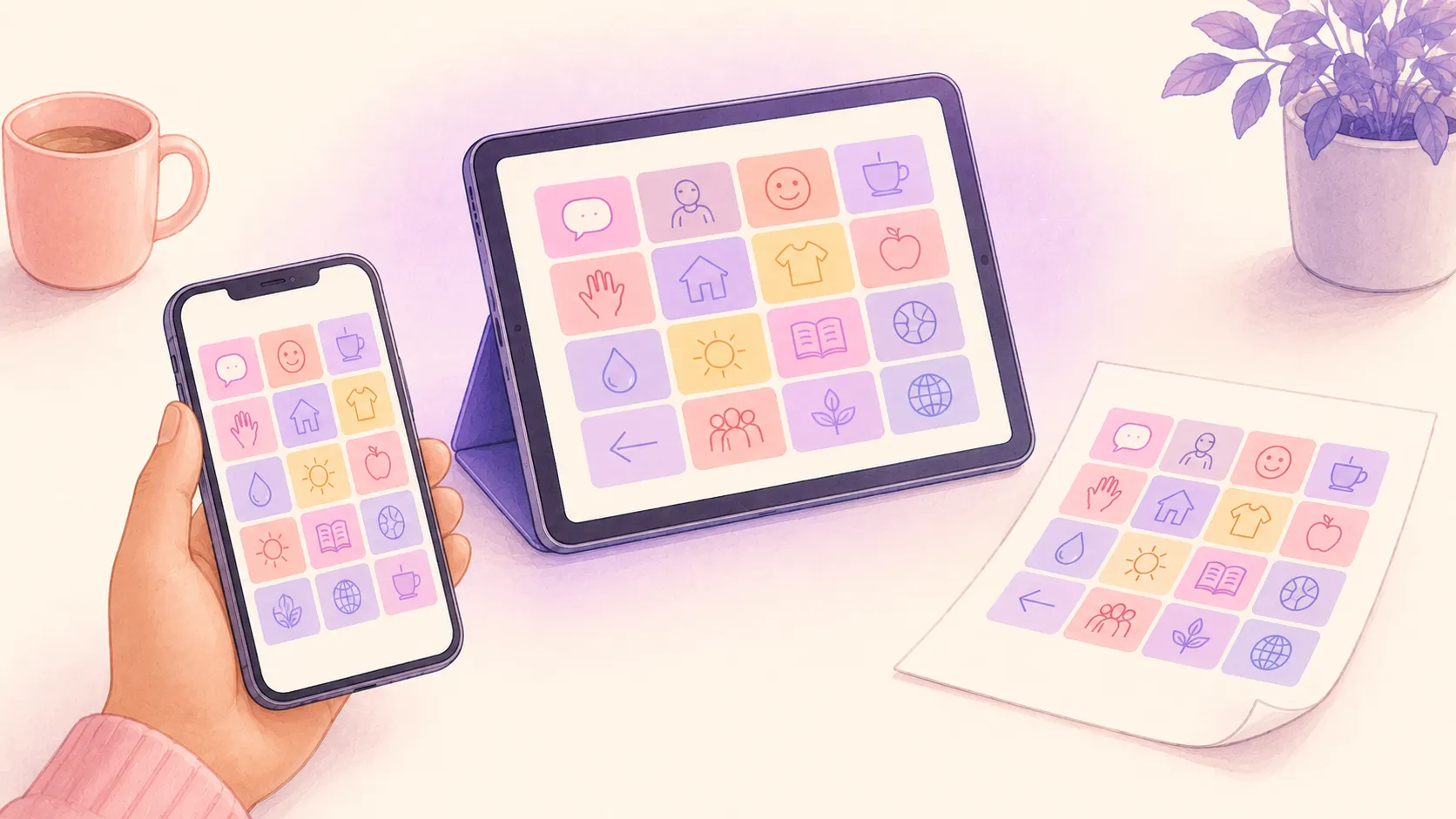
Same board. Every device. Online or off.
SpeakAnyWay runs in any modern browser and as an iPhone and iPad app — no dedicated device required. Download a board for offline use, print it for the diaper bag, share a link for the school day.
- iPhone, iPad, Android, Chromebook, laptop — same board, same login
- Download a communicator's boards for offline use — on every plan
- One-tap PDF export for print-and-go
- Built on web standards — no proprietary device required
Share boards with everyone who helps.
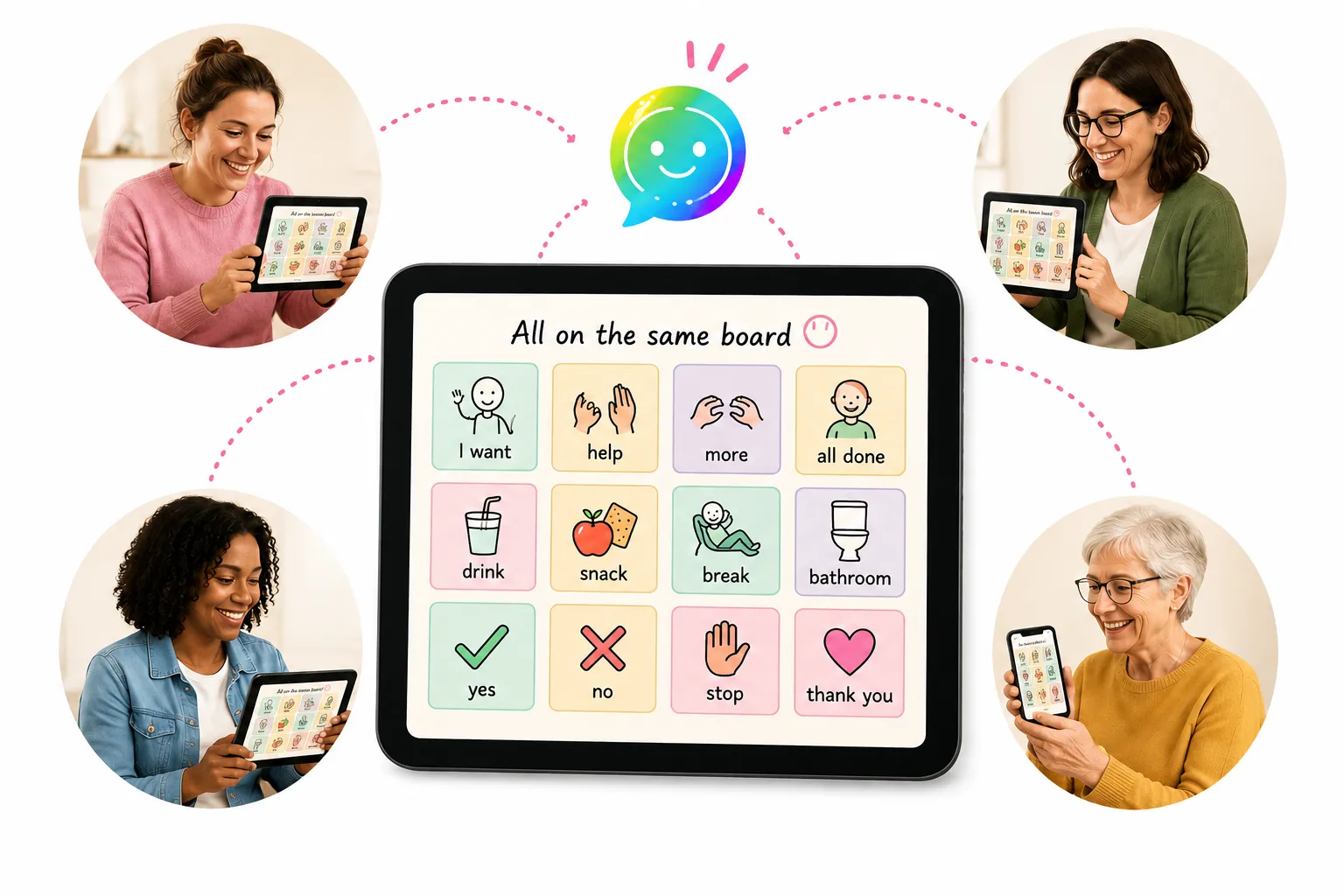
AAC is a team sport. SpeakAnyWay lets you share a single board with every adult in the communicator's life — and update it once, not eight times.
- Multiple communicator seats (Basic: 2, Pro: 5, Enterprise: custom)
- Invite collaborators by email — parents, SLPs, teachers, paras
- Update once, everyone sees the change
- Enterprise: custom seats for clinics, schools, districts
- Enterprise includes onboarding for the team
Most of this is free.
You only pay when you need more boards, more communicators, or seats for a team.
Common questions about what SpeakAnyWay can do.
Does SpeakAnyWay work offline?
Yes. Tap Download for offline on a communicator's account and every board they can reach — pictures and voice clips included — is saved to that device, and stays there until someone signs out on it. That works on every plan, Free included. Building and editing boards, the AI tools, and browsing the public library still need a connection.
Can I bring boards I already have?
Yes. Most AAC apps can export boards as OBF or OBZ files — import one and SpeakAnyWay brings the layout and words across, including whole linked board sets. No export file? Upload a screenshot or photo of the board and SpeakAnyWay rebuilds it as an editable board.
Are there boards for restaurants we already go to?
Often, yes. The restaurant menus library has ready-made boards built from real menus. Search for a restaurant and add its board to a communicator at no cost, or make your own copy to change it. .
Can multiple communicators share one account?
Yes — each plan includes a number of "communicator" seats (Basic: 2, Pro: 5, Enterprise: custom). Each communicator gets their own boards, MySpeak page, and saved settings.
What languages are supported?
The app itself is in English and Spanish. A board can be set to any of 12 languages — English, Spanish, French, German, Italian, Japanese, Korean, Dutch, Polish, Portuguese, Russian, or Chinese — and word suggestions and voices follow the board's language.
Does SpeakAnyWay speak the tiles out loud?
Yes — every tile has its own recorded clip in a natural-sounding voice, so tapping it speaks right away. Paid plans unlock premium voices in English and Spanish, and you can record your own voice for any tile. If a clip can't play, your device's built-in text-to-speech steps in as a backup.
How does Enterprise pricing work for schools and clinics?
Enterprise is custom — pricing is based on how many communicators you support, with onboarding and AI credits sized to your team. Email us and we'll send a quote.
Start with one board. See what happens.
Make a board, print it, use it — 25 AI credits included on the free plan.