A free account for SLPs, OTs, and AT specialists.
A free account for the people who put AAC in front of families first. Build a student's setup, lend it to them, and get the slot back when their family takes over.
We ask for a license or certification number to verify eligibility. That's the only thing we use it for.
What's on the Clinician plan
Free for verified SLPs, OTs, and AT specialists — premium features unlocked, with room to work alongside real families. Here's exactly what that means.
Communication boards
Build, clone, and customize — including multi-page sets with linked folder pages, core plus fringe, organized the way you'd teach it.
Communicator slots
Full communicator accounts you lend to a family. Hand one off and the slot comes back to you.
AI credits every month
Generate symbols and starter boards from a word list instead of hunting for images.
MySpeak pages & safety cards
A shareable page and QR code per communicator, plus printable ID and care cards. Included, not add-ons.
Communication teams
Add the teacher, the aide, the grandparent — each with their own sign-in to the same communicator.
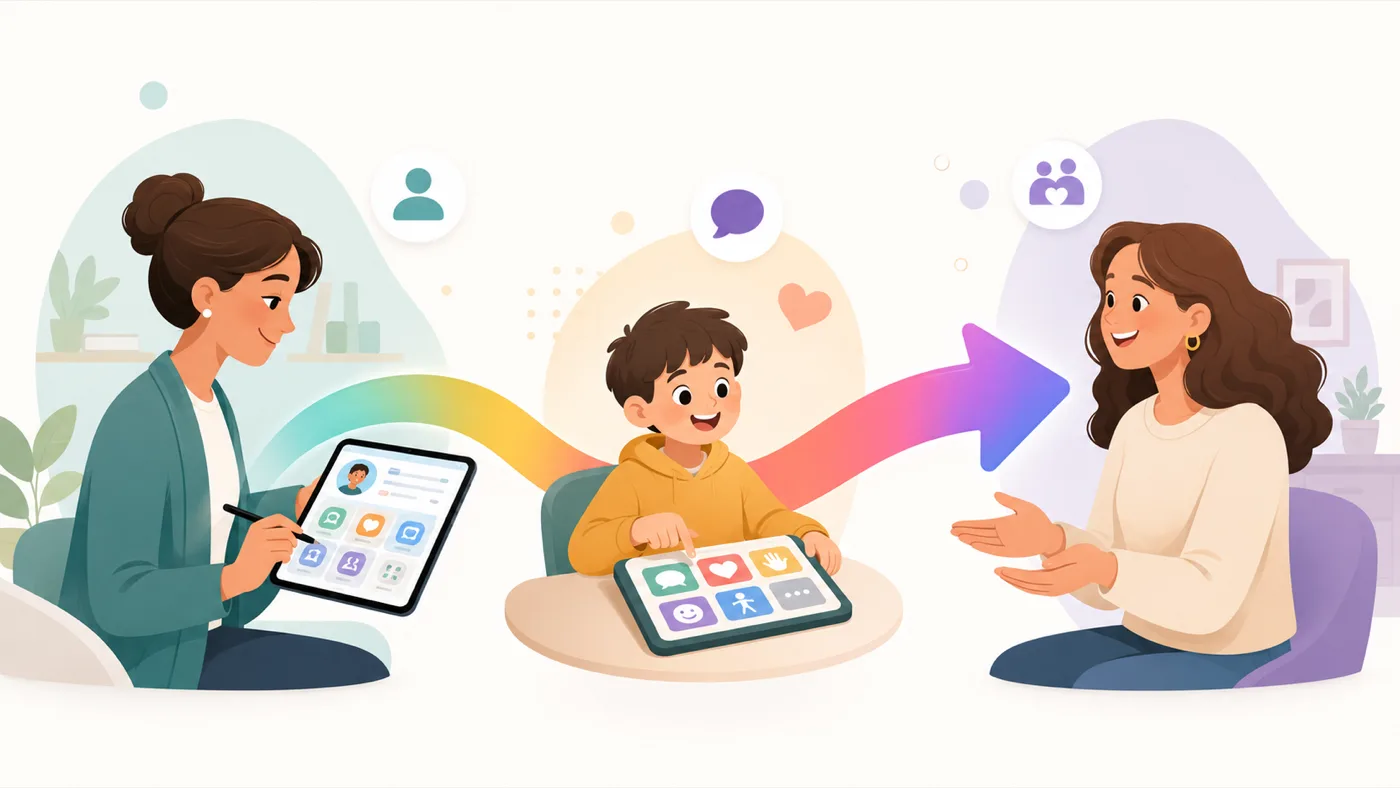
Set a student up. Hand it to their family. Get the slot back.
The hard part of AAC usually isn't the eval — it's what happens after. You build something that works in your room, and it stops at your door.
A communicator is a real account with its own sign-in, its own boards, and its own team. You build it, the student uses it, and when the family is ready you hand it over. Their account continues. Your slot returns to your pool.
- Boards, voice settings, and team members travel with the student
- The family takes over ownership — you're not stuck administering it forever
- Freed slots are reusable, so two slots go a long way across a school year
- Nothing the family relies on breaks once it's theirs
Separate from those two, you also get a couple of sandbox communicators — no sign-in, capped to a few boards — for when you just want to show someone how it works without setting up a real account.
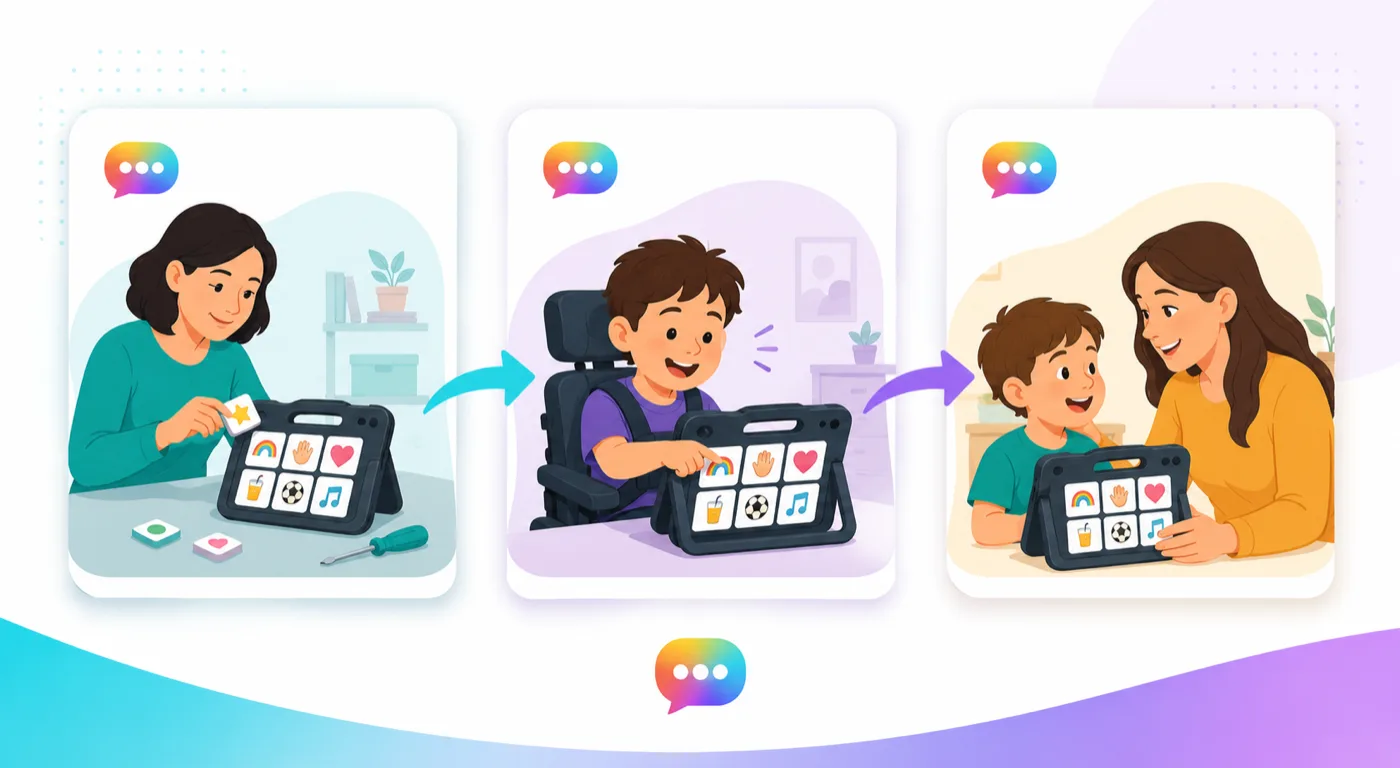
Boards that look like the ones you'd make by hand — in minutes.
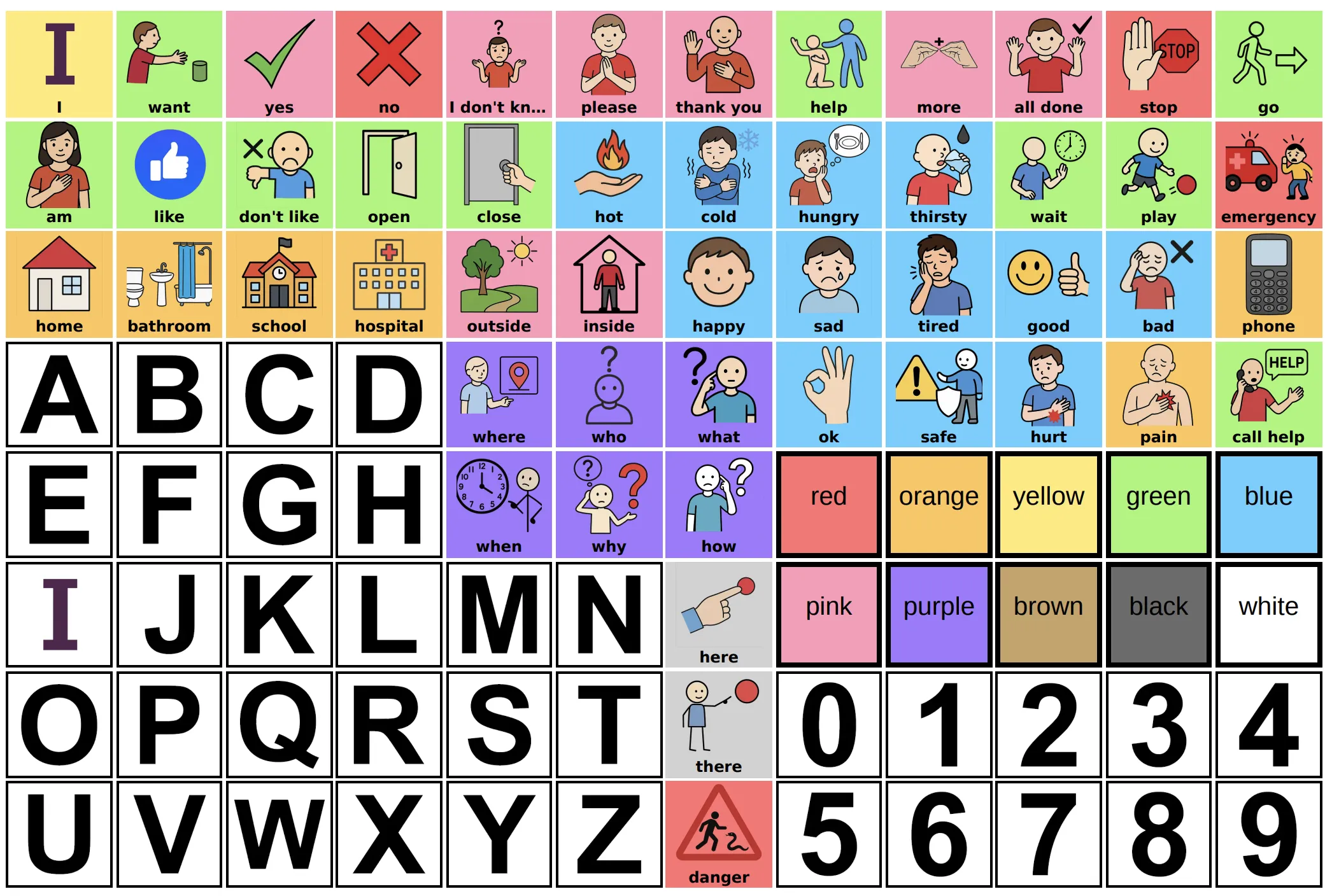
Start from a public board, clone it, and change it. Or type a word list and let the generator lay out the grid, pull symbols, and set the voice, then edit every cell yourself. Grid size, colors, labels, and layout are all yours.
- Works on any device with a browser — school iPads, Chromebooks, a parent's phone
- Print any board as a PDF for a no-tech backup or a home copy
- Browse and fork boards other clinicians and families have shared publicly
Create your free account and apply in one step
You don't have to sign up first and apply later. One submit creates your account and files the application.
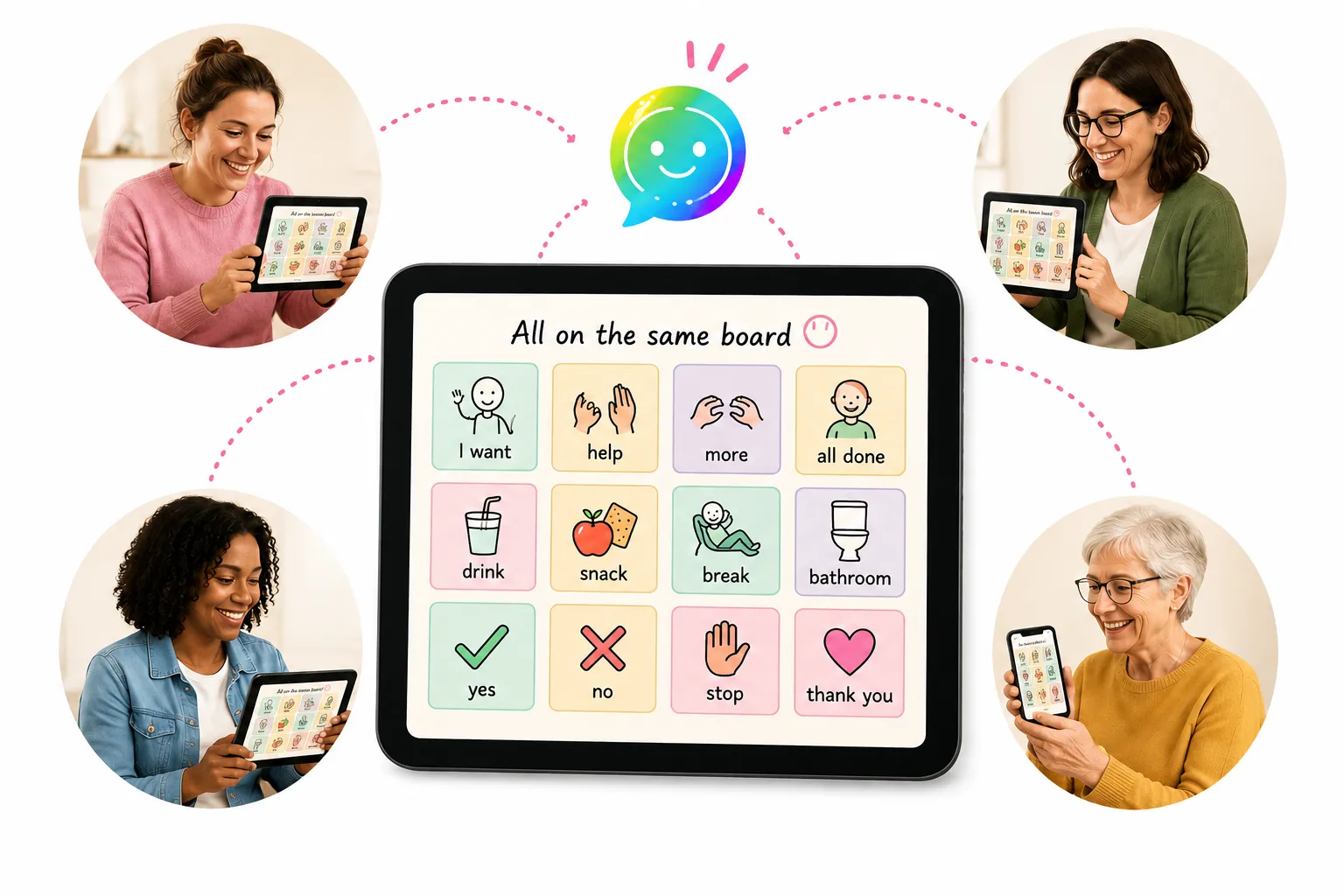
Everyone around the student, looking at the same board.
Add the classroom teacher, the aide, the grandparent, the respite worker. Each one gets their own sign-in to the same communicator — so nobody is working off a screenshot you sent in March.
- Change a board once and every device has it
- A MySpeak page and QR code so a substitute or a new sitter can catch up in a minute
- Printable ID and care cards for the days the tablet stays home
You'll know where you stand
Applying doesn't put you in a queue and go quiet. Here's the whole sequence.
You submit
One button creates your free account and files the application against it — you're not signing up here and applying somewhere else later.
You get an account to look around in
You land on a free account, so you can browse public boards and get a feel for how it works while your application is with us.
We verify and approve
We do a quick check to make sure there's a real clinician on the other end, then you'll get an email. Your limits go up, the premium features unlock, and anything you already made is still there.
The things you're probably wondering
Is it actually free, or free-for-now?
What if I'm not an SLP?
Two communicator slots isn't my caseload.
What happens to a family when I stop lending?
Do you sell or share student data?
Can I use it on school iPads and Chromebooks?
I have an eval next week. Can you approve me faster?
Supporting a whole caseload, district, or clinic? Tell us how many communicators you need →
Ready when you are.
Free for verified SLPs, OTs, and AT specialists — for as long as you're practicing.