How to bring your existing boards with you when you switch apps
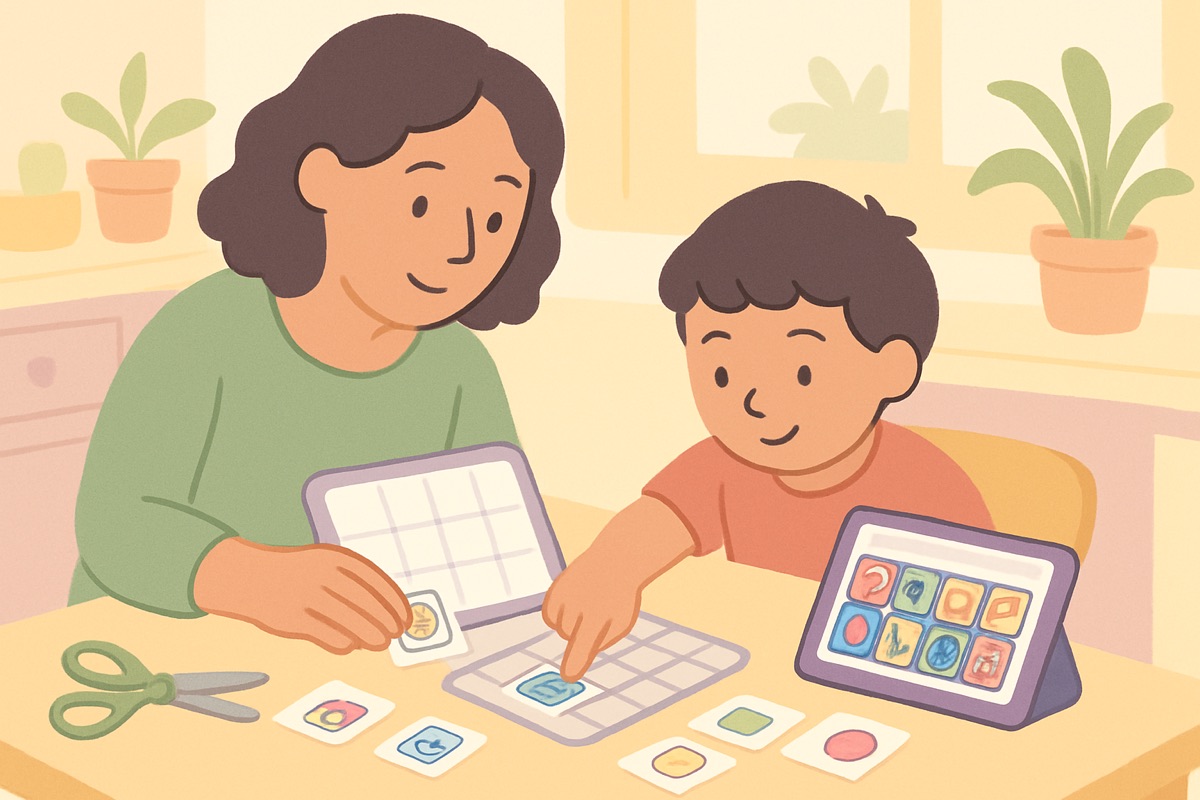
Maybe the old app’s subscription tripled. Maybe the school uses something different. Maybe the app your family started with three years ago just isn’t growing with your child. Whatever the reason, families switching AAC apps all hit the same wall of dread: we built hundreds of words in there. Do we really start over?
No. Here’s how to move without losing what matters.
First: know what you’re actually moving
The most valuable thing in your old app isn’t the app — it’s the vocabulary and its geography. Which words your child uses, and where they live on the screen. Communicators find words by location and muscle memory, the way your thumbs find keys. A new app with the same words in familiar neighborhoods is a move across the street; the same words scrambled is a move to a new country.
So before anything technical: screenshot every board your child actually uses. That set of screenshots is your blueprint, and it’s yours no matter what any subscription says.
The screenshot route (the one that reliably works)
App-to-app file transfers between AAC systems range from smooth to impossible, depending on the pair. The path that always works is the one you just created: rebuild from screenshots.
This is far less painful than it sounds in 2026. In SpeakAnyWay, you can hand the AI a screenshot of your old board and it drafts the equivalent board — same words, editable layout — which you then nudge until the geography matches. What used to be a weekend of dragging tiles is closer to an afternoon of reviewing them.
A few rebuild rules:
- Match the layout of high-traffic boards exactly. Home board, food board, feelings board — same words, same positions. Muscle memory is the asset; protect it.
- Resist the redesign urge (for now). A switch is the worst moment to also reorganize everything. Move first, renovate later, one board at a time.
- Check the voice. If your child is attached to how their old app sounded, audition the new voices with them and let them pick. It’s their voice — literally.
Run the transition, don’t flip a switch
- Both systems available for a couple of weeks. New app leads; old app rides along as backup.
- Model heavily on the new one. Your taps teach the new geography faster than any explanation.
- Watch for the words that went missing. The first week always reveals a dozen words nobody remembered to move. Add them the moment they’re missed — that’s the punch list.
- Retire the old app deliberately, once the new one is carrying real conversations. Keep the screenshots forever, though. They’re the blueprint for any future move, too.
The bigger principle
Your child’s vocabulary belongs to your child — not to whichever company currently hosts it. Screenshot it, back it up, and never let “we’d lose everything” chain you to a tool that stopped serving you. Switching costs a few afternoons. Staying stuck costs more.
Frequently asked questions
Will switching apps confuse my child?
Less than you'd fear, if you keep the vocabulary and layout familiar and run both systems side by side during the transition. Children adapt to new devices faster than adults do — what disorients them is words moving, not logos changing.
Do we have to switch everything at once?
No, and you shouldn't. Move the most-used boards first, keep the old system available as backup, and retire it only when the new one is clearly carrying the day. A transition can take a relaxed few weeks.